Speed up your work in the Anywhere web platform
There are two small tricks that can significantly speed up your daily work in Anywhere web platform, regardless of whether the new design theme is turned on or off.
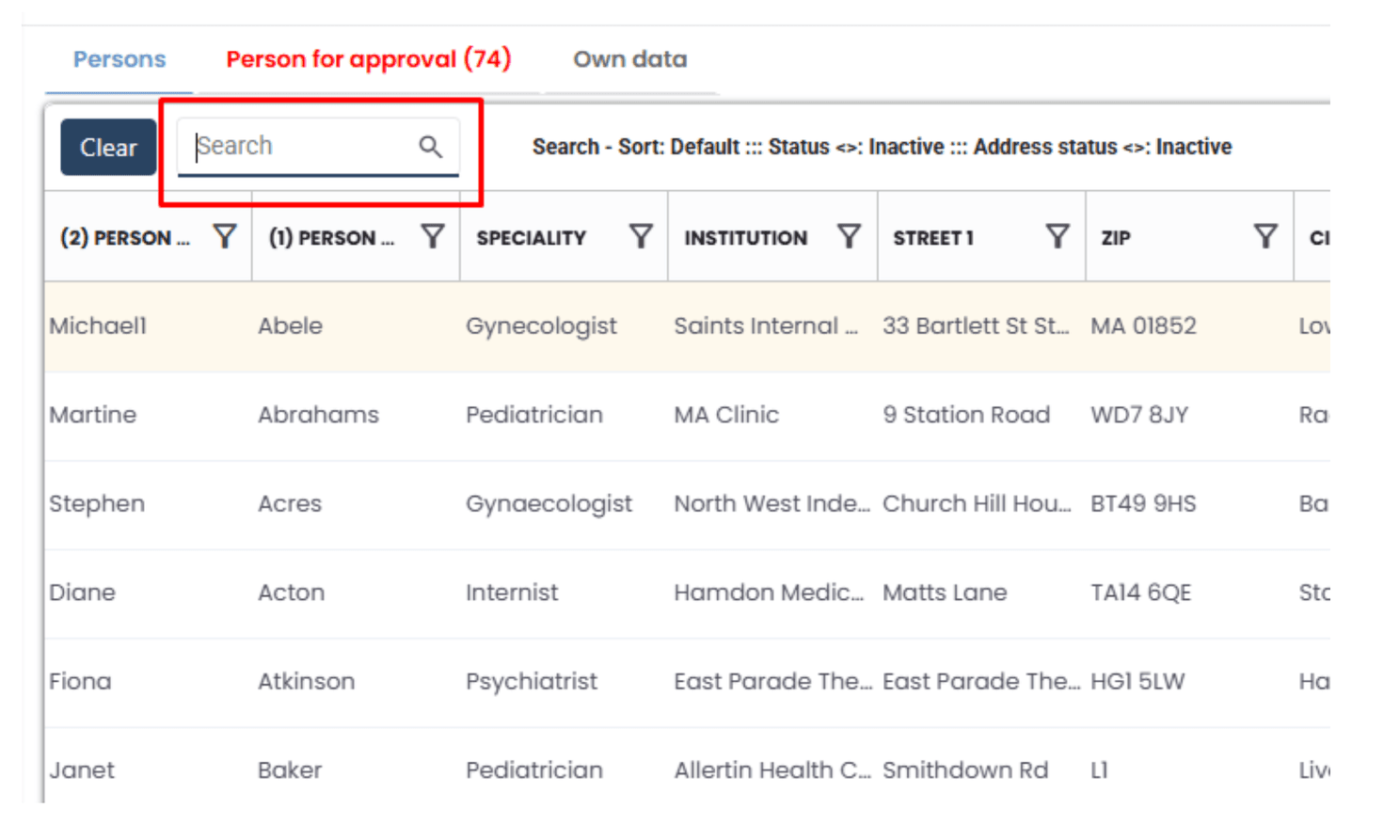
🔹 👉🏼 1. Quick Search with Ctrl + F
On the new grids, when located in Persons and Institutions module, pressing Ctrl + F automatically places the cursor into Quick Search. You can immediately start typing your search term and simply press Enter to run the search, no extra clicks needed.
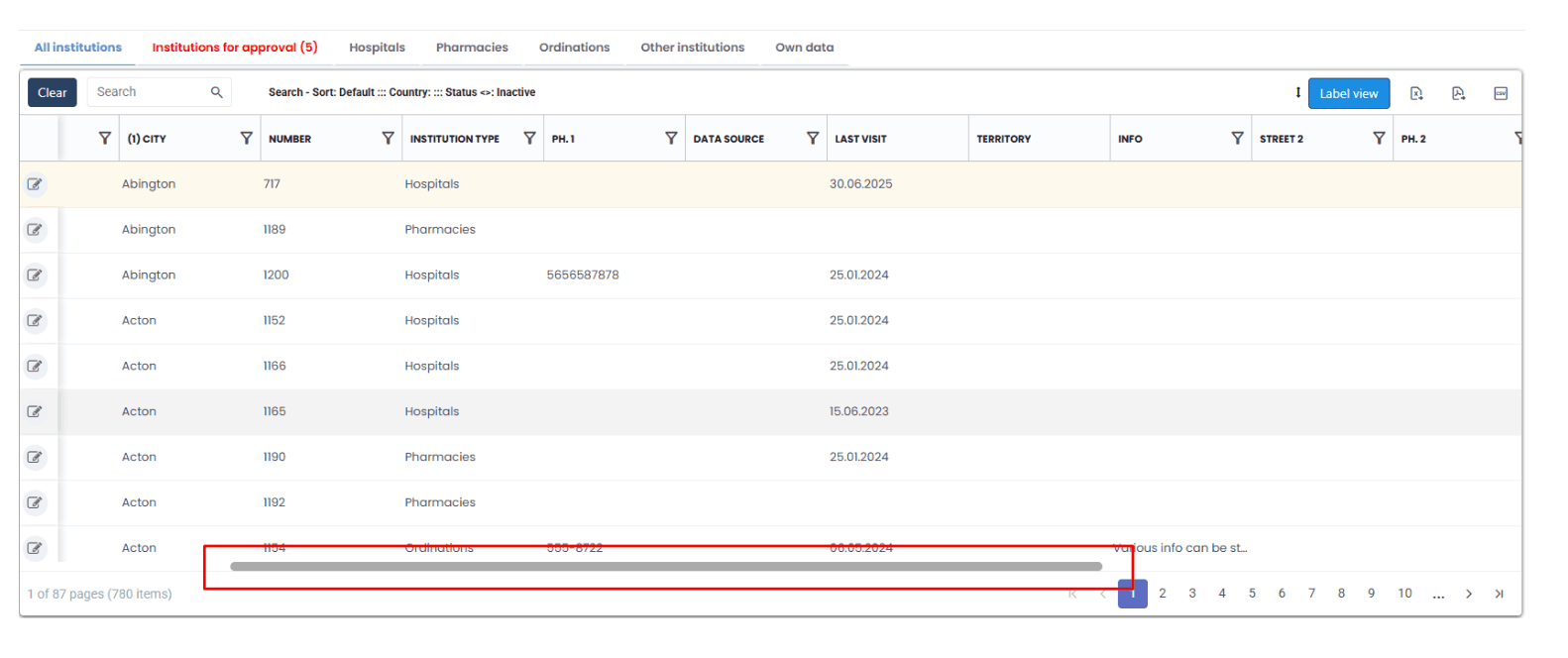
🔹 👉🏼 2. Smooth Horizontal Scrolling on Wide Grids
When Enable Horizontal Scroll is turned on (checkbox in the Quick search area) and the grid is wide, just hold Shift and use the mouse scroll wheel. This allows you to scroll smoothly left and right across the grid.
These shortcuts save time and make navigating large datasets much faster.